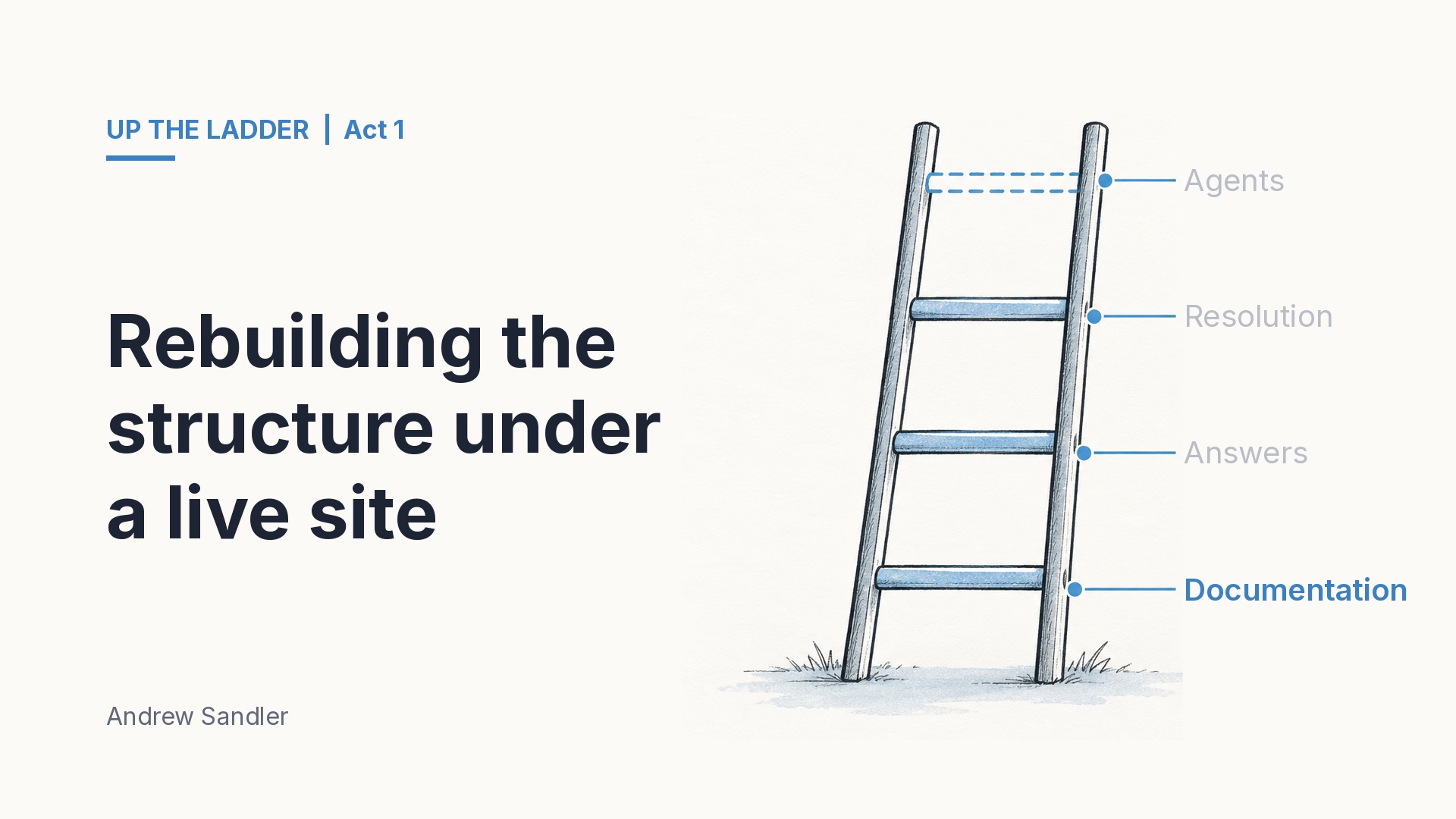
Rebuilding the structure under a live site
Article 2 ended with three problems. Authoring was hard, old content had piled up, and the same guidance lived in several places. All three came down to how the content was structured. Fixing them meant rebuilding what every customer saw, without taking the site down.
We decided to keep the publishing system and rebuild everything that sat on top of it: the information architecture, the templates, and the articles themselves. The site stayed available to the customers who relied on it every day.
That’s a hard thing to ask a team to do. A structural rebuild consumes time and capacity, and customers feel the payoff only once the new structure is in place. Making the case meant tying it to improvements people could recognize, then checking that those improvements arrived.
Start with the structure
The library of Help articles had grown over years, and its organization had become unruly as it did. Different products had different expectations around documentation. Articles had different formats, and page components often did similar jobs in slightly different ways. Every variation was a burden that our customers had to learn, and that the platform had to maintain.
We started with a new information architecture built on seven content types, each with a defined job and a template to match. Templates took on the authoring problem, because a writer working inside a defined shape makes fewer decisions per page and a correction takes less effort. Under that sat a clean taxonomy, consistent metadata, and navigation elements that worked the same way across the site, so one piece of guidance could serve more than one place without another copy to maintain.
Every product had its full set of articles evaluated. We used some of our in-house tools to propose our new structure: sections, topics, and then articles. We decided which sections every product should show, like “Getting started”, and “What’s new”. And sections that were unique to each application.
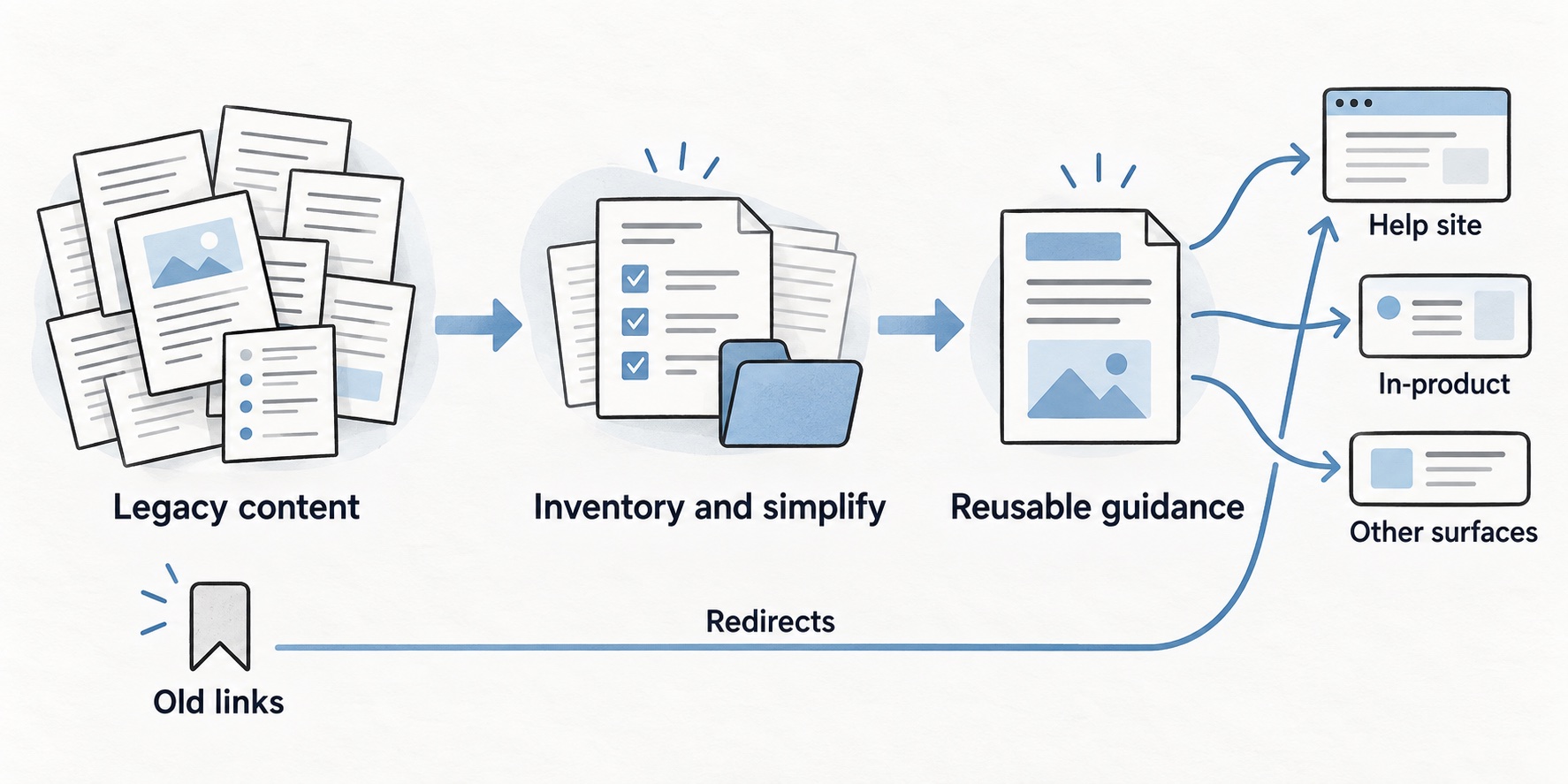
Writers rebuilt the content customers used most in the new templates. For lower-interest apps and services, an automated transformation layer moved existing articles over, and when a recurring pattern needed correcting, one rule fixed it across all the material that used it. That covered the long tail without pulling writers away from the pages that mattered most.
A rebuild starts with an inventory of what you have, who owns it, and what should be kept, updated, or retired. That inventory is where the content that had piled up got its review, and anything that no longer belonged stayed behind. Without one, the new structure inherits the old maintenance problems. A rebuild is also the cheapest moment you’ll get to retire what no longer belongs.
Split by what the customer has
The same task can look different by product, version, or operating system. One article that covers every case makes each reader hunt for theirs. We split content by product and by variation so each customer lands on the guidance that matches their situation.
Every page also carried actions that led toward a successful outcome, placed wherever a reader might be ready to act. A customer who finds the answer should have an obvious next step, whether that’s getting the app, managing an account, or reaching a person.
Keep the paths to help working
We ran the old and new pages side by side at first and A/B tested them against each other. Once the new set proved itself, every old page was redirected to its replacement.
That last step matters more than it sounds. People bookmark help pages, find them through search, and follow links from forums, localized pages included. A page that exists in the new structure still has to be reachable from the old link a customer is following, so plan the redirects from day one and test them.
Show what the structure changes
The customer’s experience is the real test. People should find the right information more easily, understand it better, and be able to do more with it. We set our measures around those three goals. Could customers find information faster through search? Did they rate the new pages higher than the old ones? Did they follow through on the “So what?” actions we gave them?
Splitting content by product and variation also made personalization possible: showing different guidance for different customer situations. That gave us a concrete capability to point to when explaining what the rebuild bought.
The authoring experience is the next test. I’d judge it by how easily writers could correct a page, update related guidance, and retire outdated material. AI tools later took on much of the routine work, while writers’ voice and subject-matter expertise stayed central.
The longer payoff came later. Content with consistent types, taxonomy, and metadata is easier to inspect and reuse, and that matters when you prepare material for an AI system. Whether the guidance is accurate and useful is a separate check.
What it cost
The rebuild took capacity that could have gone to visible improvements. For a stretch, much of the effort went into structure a reader would never see, and every quarter someone reasonably asked what had launched.
My lesson is to keep the explanation concrete. Explain what the old structure prevents the team from doing and how the rebuild will change that. Then check whether the improvement arrives, and report the result either way.
Making the case for a rebuild
- Pick a few operational measures, such as the time to publish a correction or the effort to update related content.
- Pair them with a customer outcome when you can. Faster publishing matters most when it gets someone a useful answer sooner.
- Plan an early example people will recognize, so leaders see the payoff before the rebuild ends.
What improvement is your team struggling to deliver because of the structure underneath it?
I worked at Adobe, where I led the Help experience team from 2020 to 2026. Views are my own.